How does Turnitin detect AI?
Turnitin’s AI detector reads long-form prose and estimates how much of it has the statistical shape of machine-generated writing. Instead of looking for a copied passage, it evaluates sentence-level patterns: predictable phrasing, unusually even rhythm, generic transitions, and the smooth but low-specificity style that large language models often produce.
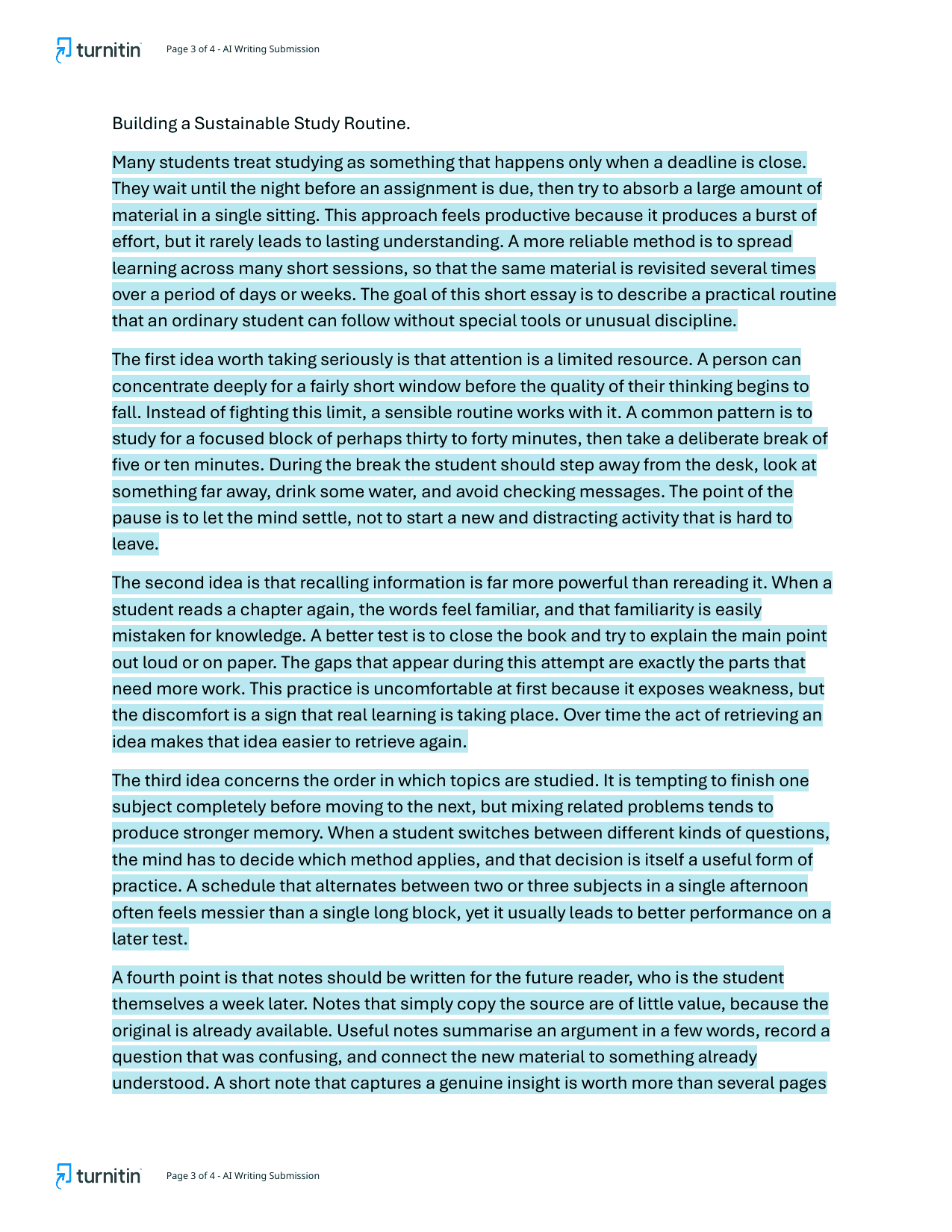
Turnitin’s own AI writing detection model guidance says the AI Writing Report shows an overall percentage plus categories for AI-generated text and AI-generated text that appears to have been AI-paraphrased. That matters because it means a simple rewrite step is not a guaranteed escape. For the model details, see what AI detector Turnitin uses.
Does Turnitin detect AI separately from plagiarism?
Yes. Similarity and AI writing are two different reports. The similarity score asks, "How much of this text matches known sources?" The AI score asks, "How much of this qualifying prose looks AI-generated?" They do not need to move together.
That is why students get surprised. ChatGPT output can be completely new, so the similarity score may stay low. But if the prose still reads like an LLM wrote it, the AI indicator can rise. The reverse can happen too: a fully human paper with lots of quoted sources can have a high similarity score and a low AI score. If you are trying to read both numbers, start with our guide to the Turnitin similarity score.
What AI tools can Turnitin detect?
Turnitin is not limited to one brand. It is designed to recognize patterns common to large-language-model writing in general, so output from ChatGPT, Claude, Gemini, and similar tools can all be flagged. Newer models may write more naturally, but that does not make them invisible.
- ChatGPT: commonly flagged when output is pasted with little personal revision. See can Turnitin detect ChatGPT.
- Grammarly: normal spelling and grammar fixes are less risky than full AI rewrites. See does Turnitin detect Grammarly.
- QuillBot: AI paraphrasing is specifically in Turnitin’s detection scope. See can Turnitin detect QuillBot.
- AI humanizers: rewriting tools do not guarantee a clean result. See can Turnitin detect AI humanizers.
What Turnitin can miss
No AI detector catches everything. Text that has been deeply rewritten by a real person, expanded with concrete examples, supported by specific citations, and varied in sentence rhythm can look much less machine-like. Very short passages are also harder to score confidently because there is not enough signal.
This is why "will I get caught?" is the wrong question. A low score does not prove the work is human, and a high score does not prove misconduct. Some universities, such as Vanderbilt, have even disabled Turnitin’s AI detector over false-positive concerns. What matters is whether you can explain your process, show drafts, and make the final paper sound like you rather than a generic answer machine.
What a Turnitin AI score means
A visible Turnitin AI percentage is an estimate of how much qualifying text looks AI-written. Turnitin also suppresses very low AI results with an asterisk because, per its published false-positive research, low percentages are less reliable. In practice, instructors tend to treat the score as a reason to inspect the highlighted passages, not as automatic proof.
If your score is around 20%, that is a reason to review the highlighted lines. At 40% or higher, expect more scrutiny. At very high scores, you should be ready to show drafts, notes, version history, and source work. For a band-by-band breakdown, read what your Turnitin AI score means.
Where Turnitin shows the AI score, and why yours might not have one
The AI writing indicator lives on the instructor’s side of the Similarity Report, next to the similarity percentage, with a separate AI Writing Report that highlights the flagged sentences. Students do not get that tab. If you submitted through Canvas or Moodle and see only a similarity number, nothing is missing from your view; the AI result was never meant to appear there.
When an instructor sees no AI score at all, it is one of these, and none of them means the paper was checked and cleared:
- The feature is not licensed or switched on. AI writing detection is a separately licensed Turnitin feature, not part of every plan. Institutions can decline it, and some that had it, such as Vanderbilt, turned it off.
- The paper is under 300 words, or is not prose. Turnitin states a 300-word minimum for the AI report, and it only scores long-form running text, so lists, references, tables, and code do not count toward that.
- The language is not one the model covers. Turnitin’s AI model launched for English and, since September 2024, Spanish. A paper in a language the model does not cover gets a Similarity Report and no AI score.
- The result is between 1% and 19%. In that range Turnitin prints an asterisk instead of a number, because its false-positive guarantee only covers documents that are more than 20% AI-generated. A genuine 0% still shows as 0%. An asterisk is a result, not a missing one.
What 51 real papers scored on the AI report
Between May and September 2026, 51 student papers checked through SubmitSense came back with a scored AI Writing Report, averaging roughly 6,300 words. This is how the results split:
| AI result | Papers | Share |
|---|---|---|
| 0% | 14 papers | 27% |
| *% (under 20%, exact figure hidden) | 12 papers | 24% |
| 1–19% shown | 2 papers | 4% |
| 20–49% | 13 papers | 25% |
| 50% or higher | 10 papers | 20% |
Just over half came back under 20%: 14 papers at a clean 0% and 14 with a small detected share that Turnitin reports as an asterisk. One in five scored 50% or higher. The two papers with an exact figure between 1% and 19% came from older reports that still printed low numbers; current reports show the asterisk instead.
Two caveats. These are papers students chose to check before a deadline, so the sample leans toward people who were worried about their score, and it says nothing about how often instructors act on a given number. What it does show is that a flag is common: if your paper reads as AI to Turnitin, you are not an edge case, and knowing what to do about a false positive matters more than the percentage itself.
How to lower AI risk honestly
The reliable fix is not "humanizing" the text. It is real revision. Add specific examples from your research, explain why you chose each source, vary sentence length, keep drafts, and remove generic transitions that say little. If you used AI for brainstorming, replace the model’s phrasing with your own reasoning.
Before submission, use the free checker as an early warning. If the stakes are high, run the real Turnitin check so you see both the AI and similarity reports before your instructor does.
Frequently asked questions
Does Turnitin detect AI?
Yes. Turnitin has an AI writing detector built into the Similarity Report for instructors. It estimates how much qualifying prose looks AI-generated and can also flag AI-generated text that was later paraphrased.
How does Turnitin detect AI?
Turnitin scores writing patterns in sentence-sized windows, then rolls those signals into an overall AI percentage. It is looking for statistical patterns common in large-language-model output, not copied text from a database.
What does Turnitin use to detect AI?
Turnitin uses its own in-house AI detection models, not GPTZero, Copyleaks, or Originality.ai. Its public guidance describes AI writing detection and a separate AI rewriting category for AI-paraphrased text.
Can Turnitin detect AI if the similarity score is 0%?
Yes. Similarity and AI writing are separate checks. A paper can have 0% similarity because it does not match existing sources, while still receiving a high AI score because the prose pattern looks machine-generated.
Can Turnitin detect paraphrased AI?
Often, yes. Turnitin now shows an AI-generated-and-paraphrased category for qualifying text that appears to have been generated by AI and then revised with an AI paraphrasing tool or text spinner.
Can Turnitin be wrong about AI?
Yes. Turnitin itself frames the AI score as an indicator for instructor review, not proof. False positives and false negatives can happen, especially with short, formal, highly edited, or non-native English writing.
What does the asterisk (*%) mean on the Turnitin AI report?
It means Turnitin detected some AI-looking text, but the share was between 1% and 19%, so it hides the exact number. Turnitin does this because its false-positive rate is only guaranteed for documents that are more than 20% AI-generated; below that the figure is too unreliable to print. A paper with no detected AI still shows 0%. An asterisk is not a zero, but it is also not a flag most instructors act on by itself.
Where does Turnitin show the AI score?
In the instructor’s view of the Similarity Report, as a separate AI writing indicator and a highlighted AI Writing Report. It is not shown in the student submission view, so students normally never see the number unless an instructor shares it or a draft workflow exposes it.
Why does my Turnitin not have AI detection?
Usually one of four reasons: your institution has not licensed or enabled the AI writing feature; the submission is under Turnitin’s 300-word minimum or is not qualifying prose; the paper is in a language the model does not cover (Turnitin has published support for English and, since 2024, Spanish); or the report is still processing. None of those mean the paper was checked and passed.
How much AI is acceptable in Turnitin?
Turnitin sets no acceptable percentage and tells instructors not to treat the score as proof. What it does set is a reporting floor: results between 1% and 19% show as an asterisk rather than a number, while 0% is shown as 0%. Any tolerance above that is your course’s decision, so if the syllabus does not say, ask before you assume 20% is safe.
Can students see their Turnitin AI score before submitting?
Usually no. Turnitin normally shows the AI Writing Report to instructors, not students. To preview the number, you need either a school-provided draft workflow or a private Turnitin check that returns the report.