Turnitin color code chart
Every Similarity Report comes with a colored icon next to the percentage. The color does not carry independent meaning — it is just a marker for which range the score falls into. This is the exact chart from Turnitin’s own similarity score guide:
| Color | Range | What it means |
|---|---|---|
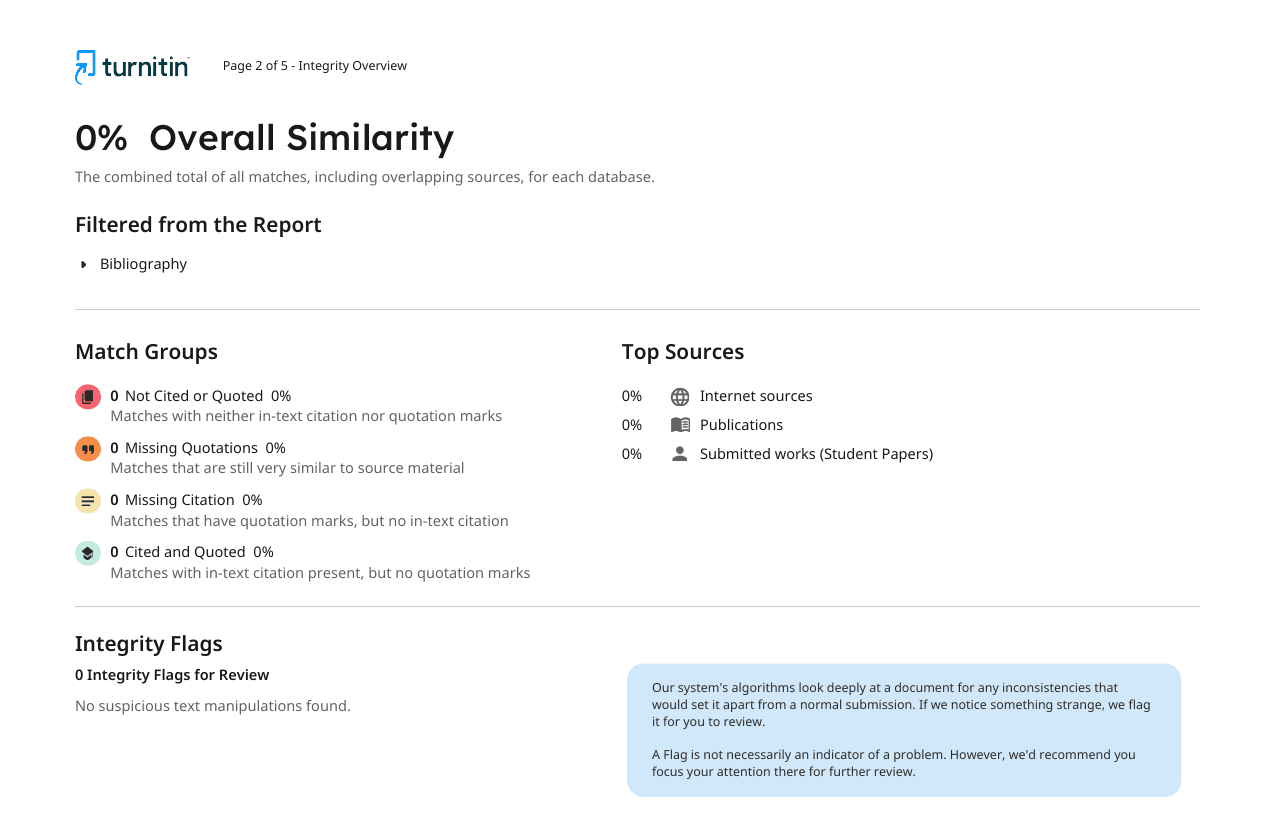
| Blue | 0% | No matching text found. |
| Green | 1–24% | One word up to about a quarter of the text matched. Usually low risk, not automatic approval. |
| Yellow | 25–49% | Moderate match. Worth opening the report to see what is matching. |
| Orange | 50–74% | High match. A large share of the text matches sources; check it carefully. |
| Red | 75–100% | Very high match. Most of the text matches something; usually needs a closer look or a rewrite. |
Turnitin notes the color scheme can vary by LMS integration — some portals use different shades or labels — but the underlying percentage always works the same way. Go by the number and your instructor’s policy, not the color alone.
What does green mean on Turnitin?
Green covers 1–24% similarity. It is the band most cited, properly paraphrased essays land in, and it is where people usually ask “is green on Turnitin good?” Mostly, yes — it is the low-risk end of the scale. But green is not an approval stamp. It only means less than a quarter of your text matched something in Turnitin’s database. A short paper can still land in green with one uncited paragraph dragging the rest of the score down, so the color is a starting point, not a finish line.
What does blue (0%) mean on Turnitin — and why it isn’t always good news
Blue means the report found no matching text at all. It looks like the ideal result, but Turnitin’s own student guide flags two reasons a genuine 0% is not automatically reassuring. First, a research paper that properly quotes and cites sources should usually show at least a few small matches; a flat 0% can mean references were not detected, or nothing was actually cited. Second, Turnitin says a large document can display a rounded 0% score while the report still contains some matches underneath.
For a deeper look at why a small, well-cited percentage can look more credible than a suspicious zero, see what counts as a good Turnitin similarity score.
What does yellow mean on Turnitin? And orange, and red?
- Turnitin yellow (25–49%): a moderate amount of matching text. Not a violation by itself, but worth opening the source list.
- Orange (50–74%): high similarity. A large share of the submission matches sources.
- Red (75–100%): very high similarity. Most of the text matches something somewhere.
Higher colors do not automatically mean copying. Turnitin’s own instructor guide walks through a qualitative research paper that lands at 53% (orange) purely from a heavy volume of required quotes and an extensive bibliography — a legitimate paper that simply needed its quotes and reference list excluded from the score. The color tells you how much text matched. Only reading the report tells you whether that match is a problem.
Colors are a percentage map, not a plagiarism verdict
Turnitin is explicit about this in its own documentation: it does not check for plagiarism. It compares your submission against its database and highlights matches for a human to review; the percentage — and the color attached to it — is just that overlap measurement. Deciding whether any of it is academic misconduct is left to your instructor or institution.
If you have the report open and want a step-by-step way to sort the matches, use how to read a Turnitin Similarity Report.
Similarity Report colors vs. the AI Writing Report
It is easy to assume the same blue/green/yellow/orange/red scale covers AI detection too. It does not. The AI Writing Report is a separate tab with its own, different indicator, and Turnitin’s guide to accessing the AI Writing Report lists only four states:
- Blue: the submission processed successfully and shows the percentage of qualifying text likely generated by AI.
- Asterisk (*%): AI detection under 20%, where Turnitin considers results less reliable — no exact percentage or highlights are shown in that range.
- Gray: the submission could not be processed for AI writing detection.
- Error icon: the submission failed to process.
That is a status indicator, not a five-band percentage scale, and it runs independently of the similarity score. See what your Turnitin AI score means for the full breakdown, or a real, redacted Turnitin report example to see both reports side by side.
Is the “Originality Report” the same color system?
Some schools and older LMS integrations still label the report “Originality Report” instead of “Similarity Report.” Turnitin’s guide lists this as an alternate product version (“Feedback Studio/Originality Check”) under the same color-code section as the current “Turnitin Similarity/SimCheck” version — both use the same blue/green/yellow/orange/red bands described above. It is a naming difference, not a different scoring system.
What to do based on your color
Whatever color your report shows, the next step is the same: open the source list and read the matches, not just the number.
- Check your syllabus or assignment brief for any stated limit — it overrides any color.
- Open the largest matches first and confirm each is quoted, cited, or uncited copying.
- Treat green and blue as reassuring, not as clearance — still skim the sources.
- Treat yellow, orange, and red as a signal to inspect, not a confirmed problem.
For reference formatting while you revise, the free citation generator can build APA, MLA, Chicago, or Harvard entries.
Frequently asked questions
Is green on Turnitin good?
Green (1–24% similarity) is usually the low-risk band, and it is the color most cited, well-paraphrased essays land in. But green is not an approval stamp. Turnitin says the color only reflects how much text matched its database, not whether that match is a problem, so you still need to open the report and check what is highlighted.
What does blue mean on Turnitin?
Blue means the Similarity Report found no matching text — a 0% score. It can look like the best possible result, but a genuine 0% is unusual for a well-researched paper with quotes and citations. Turnitin also notes that large documents can round down to a displayed 0% even when the report still contains some matches.
What does yellow mean on Turnitin?
Yellow covers 25–49% similarity. That is a moderate amount of matching text — not a violation on its own, but high enough that you should open the source list and check whether the matches are quotes and citations or uncited copying.
What does orange or red mean on Turnitin?
Orange is 50–74% and red is 75–100% similarity — the two highest bands. A large share of the submission matches existing sources. That can come from a heavily quoted, bibliography-dense paper as easily as from copied text, so both colors call for a careful, source-by-source read of the report.
What is the Turnitin color code system?
It is a five-color scale attached to the Similarity Report icon: blue (0%), green (1–24%), yellow (25–49%), orange (50–74%), and red (75–100%). Turnitin’s own guides confirm this range and note the color scheme can vary slightly by LMS integration, though the underlying percentage always works the same way.
Do Turnitin report colors mean plagiarism?
No. Turnitin states directly that it does not check for plagiarism — it compares text against its database and highlights matches for a human to review. The color is a visual index of the percentage, nothing more. A red report can be a bibliography-heavy research paper; a green report can hide one uncited paragraph in a short essay.
Is the Originality Report the same as the Similarity Report?
"Originality Report" is an older name still used in some Turnitin product versions and LMS integrations (Turnitin’s guides list it alongside "Similarity/SimCheck" under the same color-code section). It uses the same blue/green/yellow/orange/red scale — it is not a separate report with different rules.
Does the Similarity Report color apply to the AI Writing Report too?
No, and this is a common mix-up. The AI Writing Report is a separate tab with its own indicator: blue (processed, shows a percentage), an asterisk (*%) for results under 20% where Turnitin considers the estimate less reliable, gray (could not process), or an error icon (failed). It does not use the five-color similarity scale.
What is a "Turnitin flag"?
Students often call the colored dot next to the similarity percentage a "flag." Turnitin’s guides call it the report icon. It is the same thing as the color code discussed on this page — it just marks which percentage band the score falls into.